My QR Code Isn’t Working
If you’re having problems logging in with your QR code, try the relevant fix below.
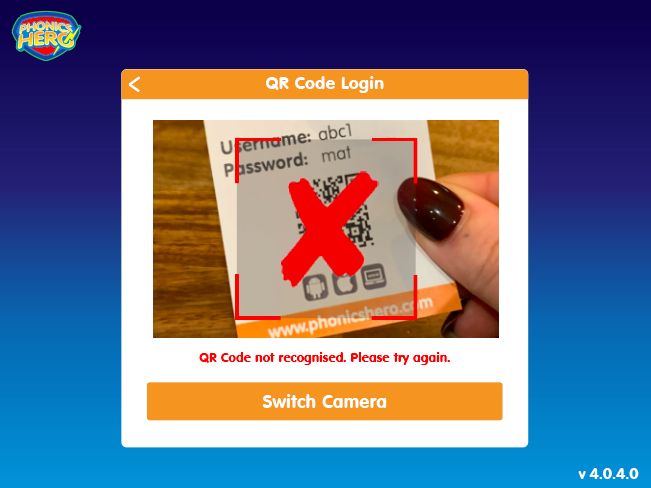
- Tablet users: make sure your device is running the latest version of the Phonics Hero app.
- Parents whose child’s login was set up by their school: please contact your child’s teacher. In the meantime you can use your username and password to access your account — these details can be found on the same Login Card as the QR code.
- Teachers: please re-download the Login Card and try logging in again with the new version. If this doesn’t solve the problem, contact us at info@phonicshero.com. In the meantime, please use the child’s username and password to access their account.
- Parents who set up their own account: QR codes are only available for school students. To access your account, please log in using your email address and password.
